Step 1: Upload Your Photo & Choose Recipient
Start by uploading a clear, well-lit photo of the child. We'll use this to create their character in the story.
Step 2: Choose a Story Theme
Select the theme that will shape your story. This is optional—if you skip it, we'll create a general adventure tailored to their age.
Supporting Characters (Optional)
Add supporting characters to make the story even more personal. Include a photo, name, and relationship to the main character.
Step 3: Select Language & Content Options
Your story will be written in this language. The book will be delivered in your selected language.
🌍 African Languages
 Zulu
Xhosa
Afrikaans
Sotho
Swati
Tswana
Venda
Tsonga
Ndebele
English
Sepedi
Zulu
Xhosa
Afrikaans
Sotho
Swati
Tswana
Venda
Tsonga
Ndebele
English
Sepedi
🌍 European Languages
 English
 French
 German
 Spanish
 Italian
 Portuguese
 Dutch
Dutch
 Swedish
 Norwegian
 Danish
 Polish
Step 4: Book Details & Size
Customize your book's title, author name, and select the size that works best for your storybook. All sizes are delivered as high-resolution, print-ready PDFs.
5" × 8"
Small Paperback
Pocket-sized
6" × 9"
Standard
MOST POPULAR
7" × 10"
Large
Picture book
8" × 8"
Square
Modern & artistic
A4
Premium large
Step 5: Select Illustration Style
Choose the visual style that will bring your story to life. All 12 styles work beautifully for any character.
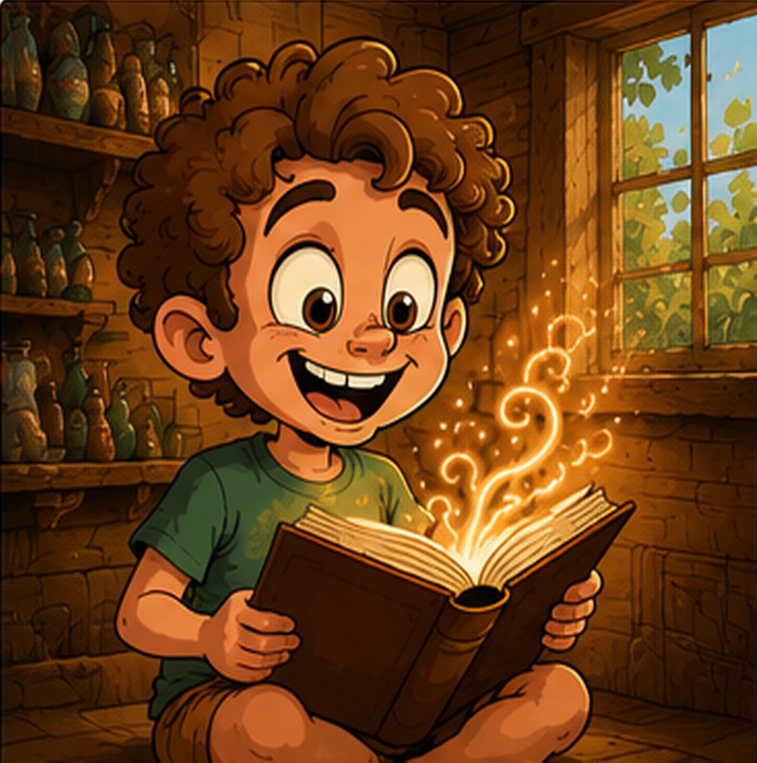
Caricature
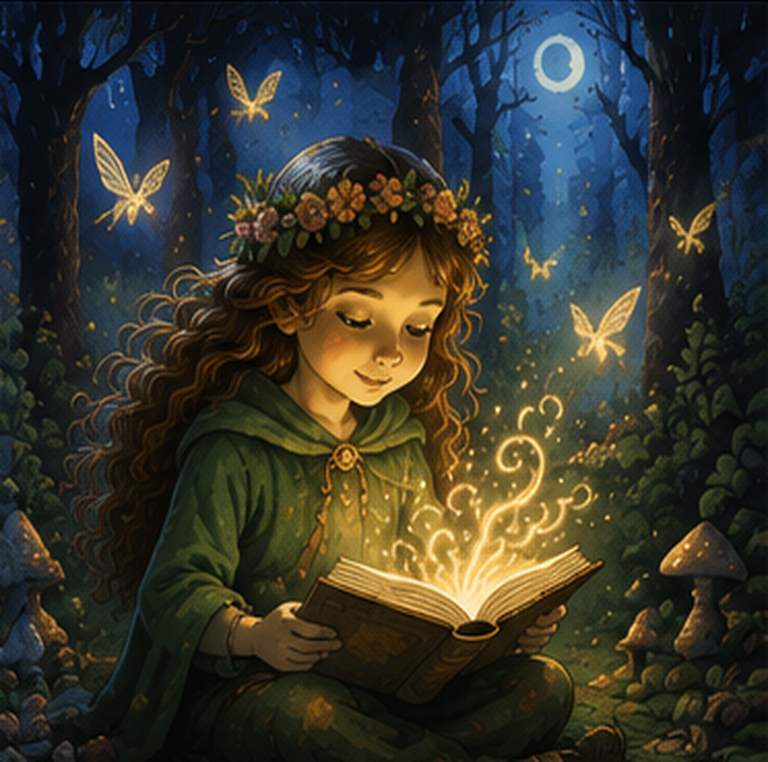
Fantasy
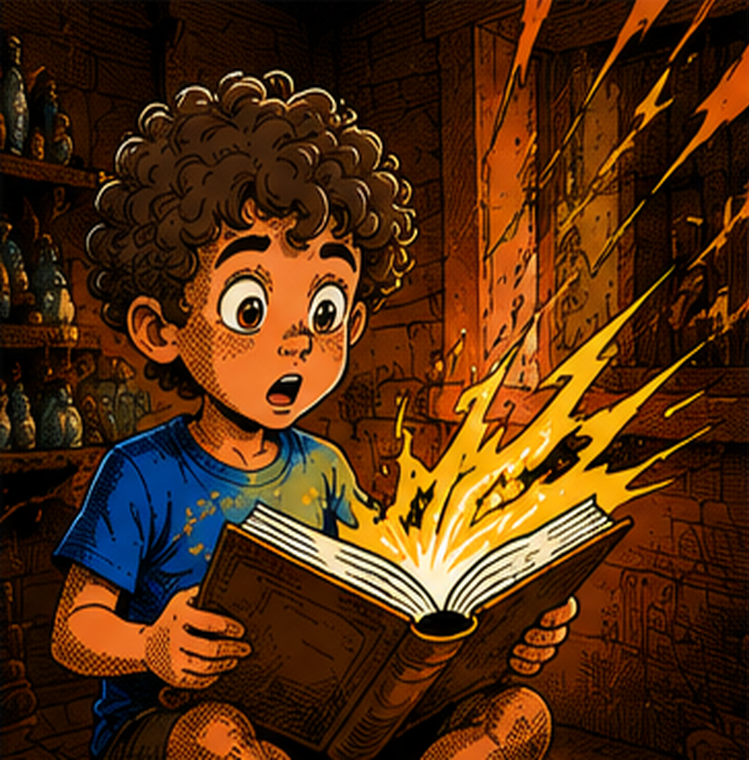
Comic Book
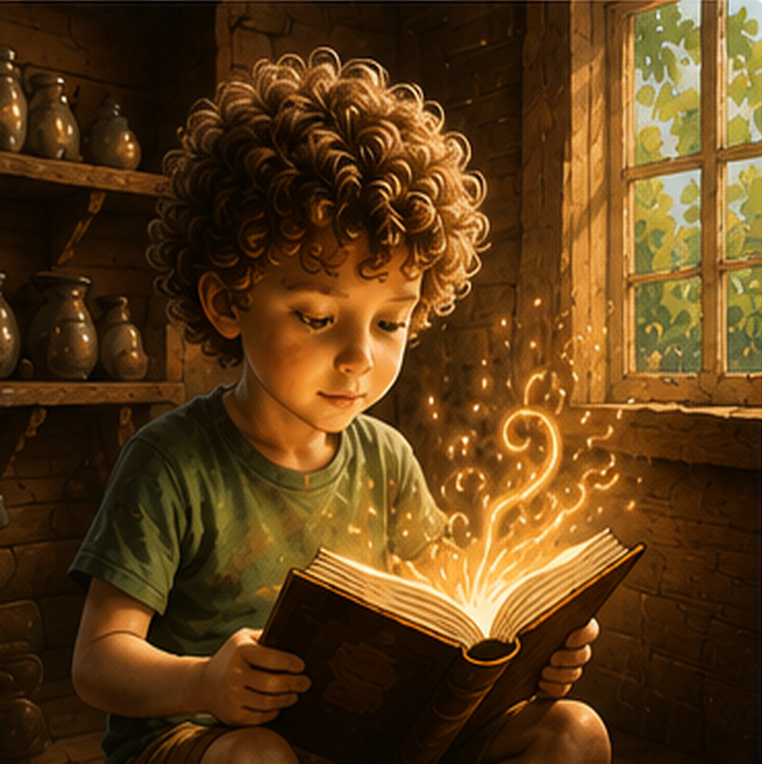
Realism
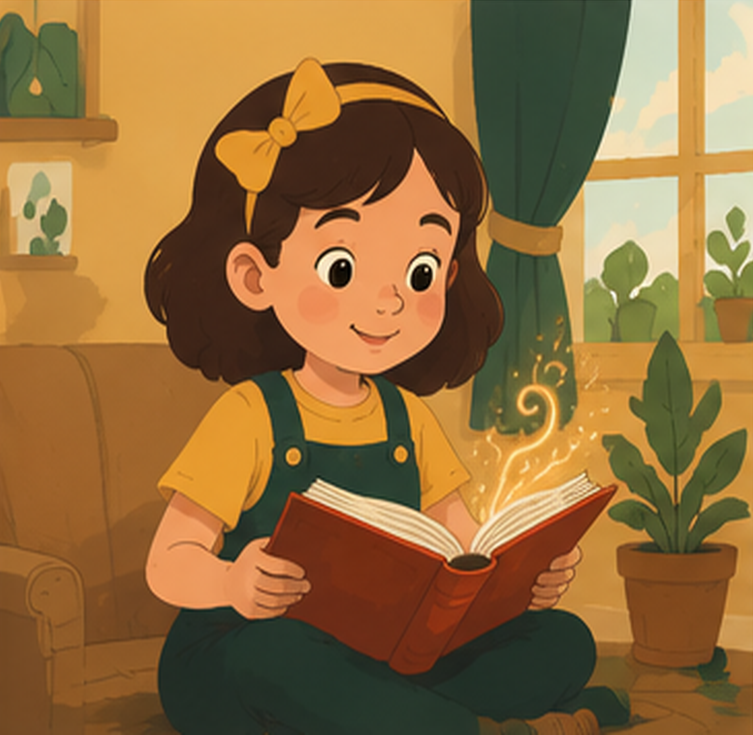
Flat Illustration
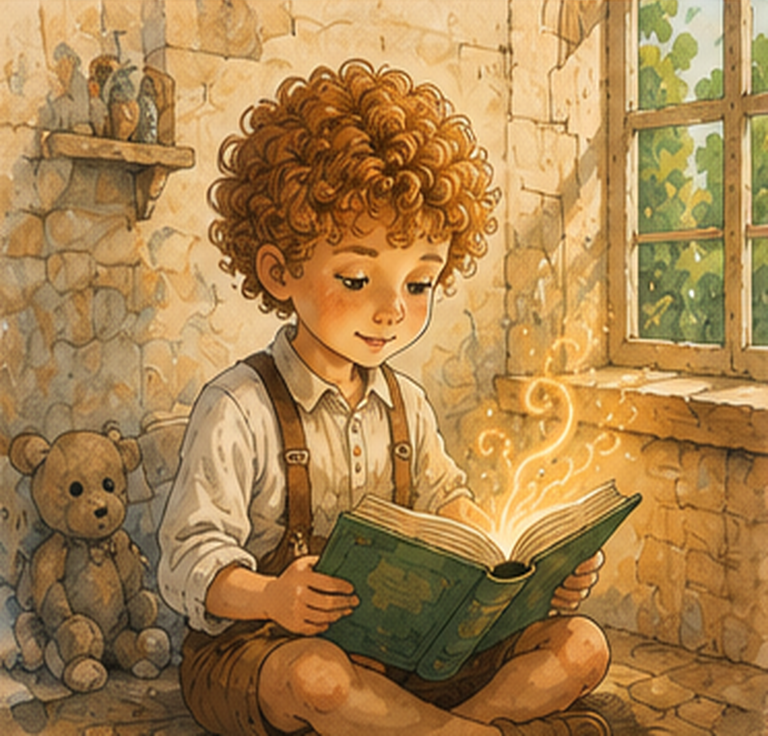
Classic Storybook
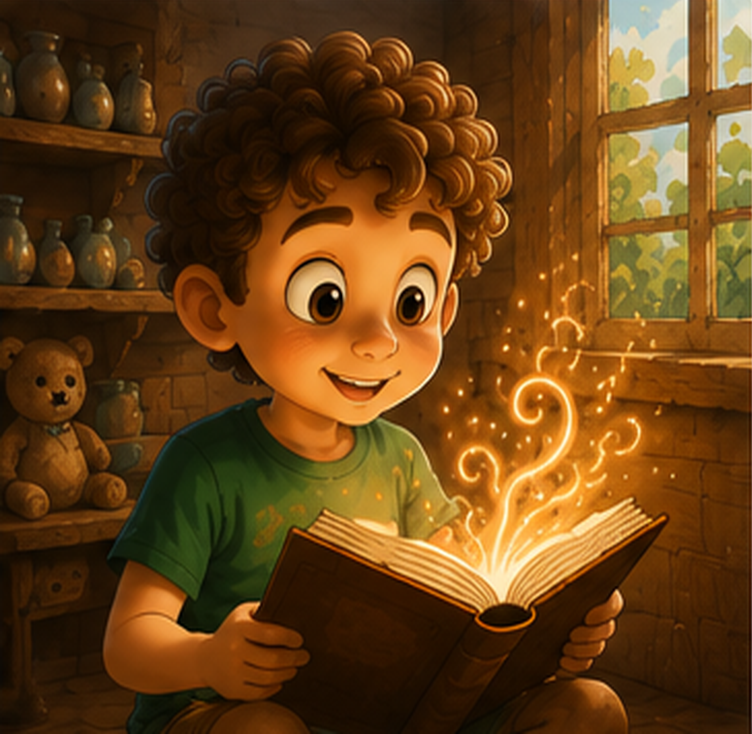
3D Illustration
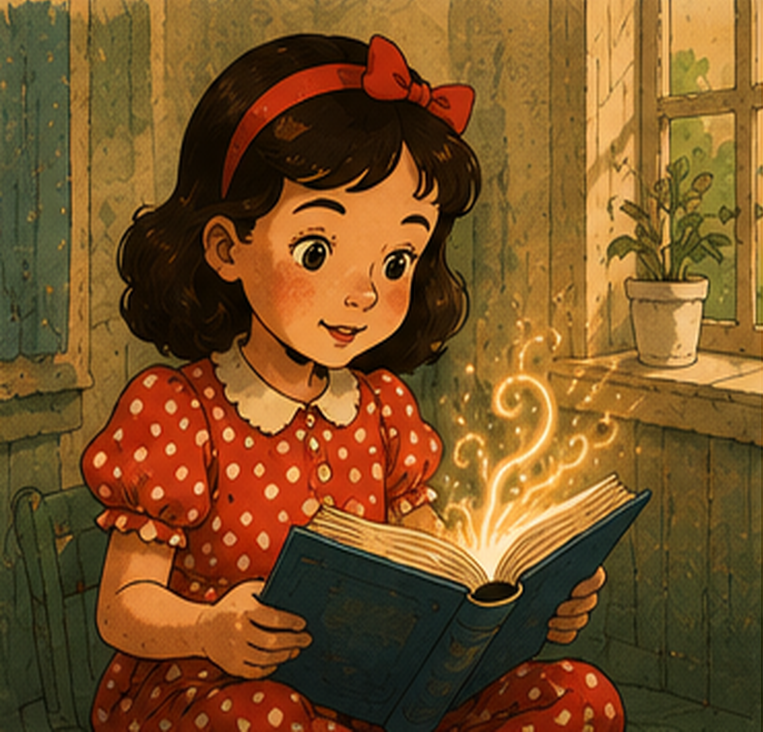
Vintage & Retro
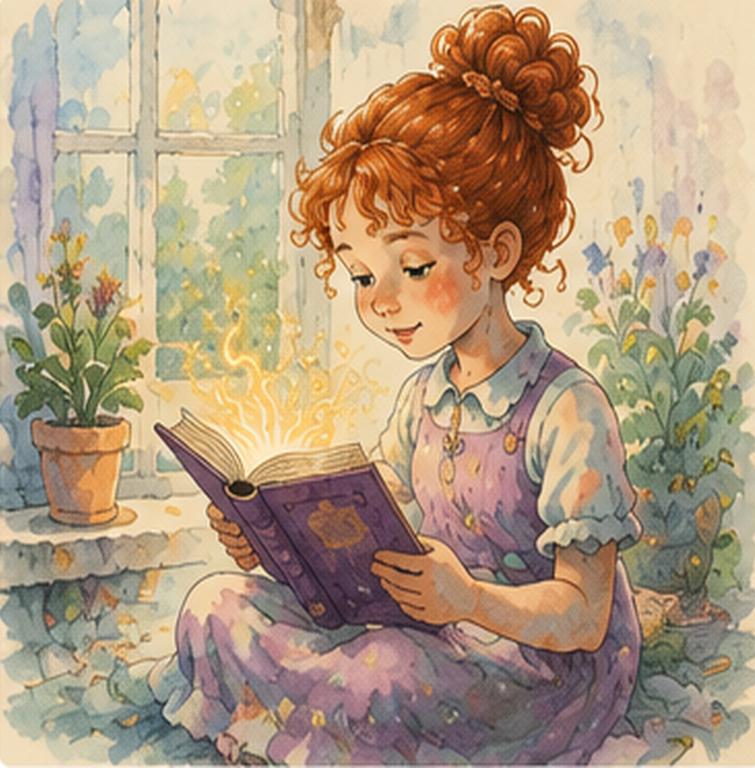
Watercolor
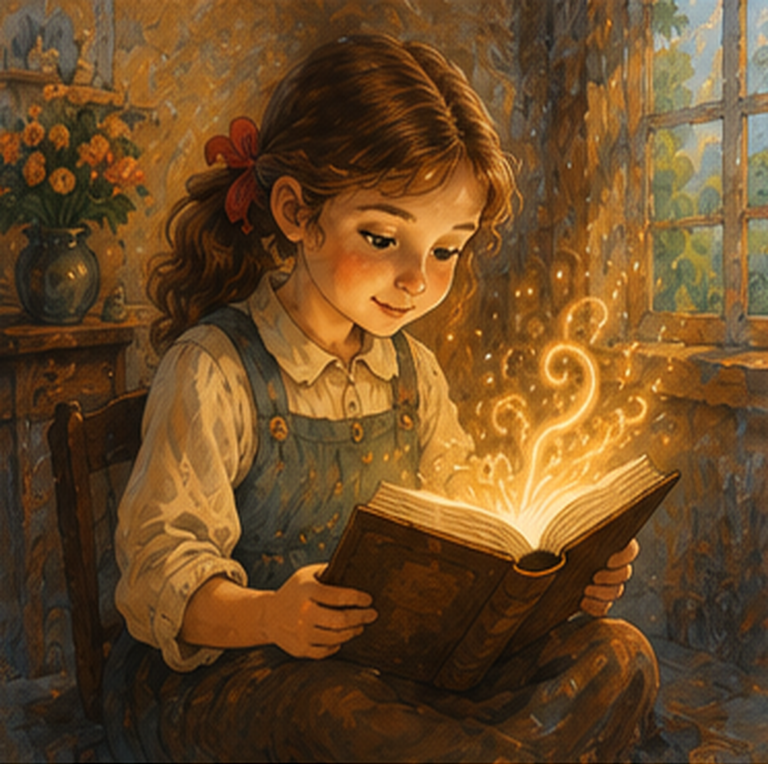
Oil Painting
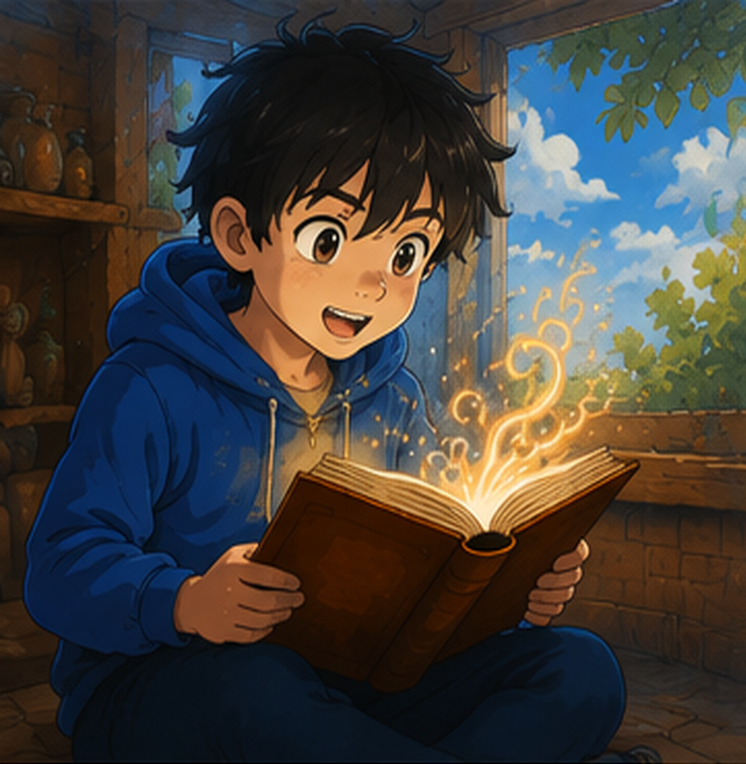
Anime
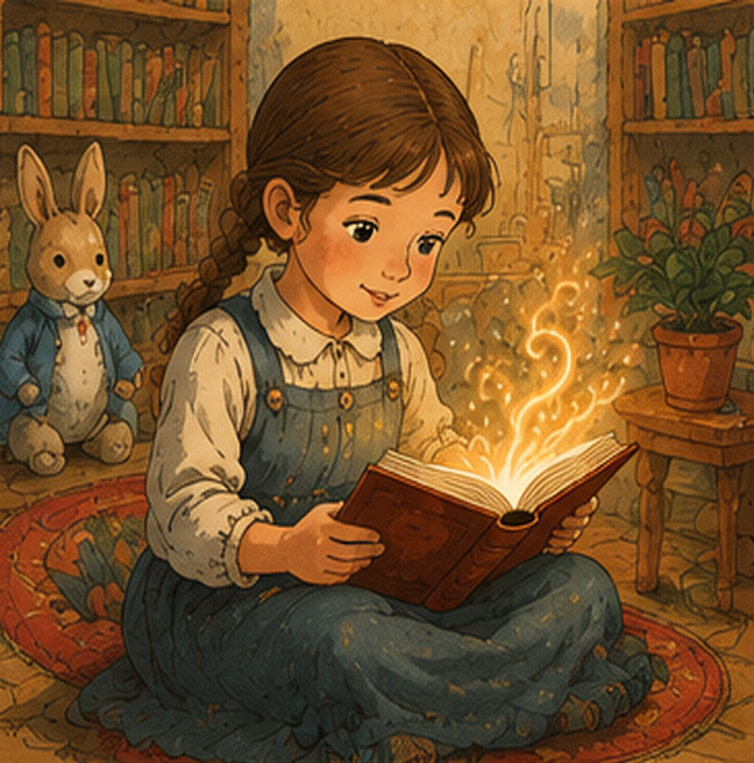
Classic Children's Book
Step 6: Write Your Storyline
Tell us what happens in the story. Be as detailed as you'd like—the more you share, the more personalized your book becomes.
What's the main adventure? What challenges does [Child] face? How does it end? Include key people, places, or special moments.
Aim for 200–500 words for the best results. We'll expand and illustrate your story.Step 7: Take Control of Your Story
Lock it to keep the exact prompt, regenerate only images for fresh illustrations, or let it evolve completely. Your choice, your book.
Step 8: Preview & Download
✨ 2 Free PreviewsReview your personalized story for free. See the cover design, text, and illustrations before you pay.
Your Preview Includes:
- Complete story text
- Cover design with your child's name
- Sample illustrations in your chosen style
- Layout in your selected book size
- Option to request changes before paying
Once you're happy with your preview, you'll proceed to secure checkout via Yoco. Payment unlocks your download instantly.